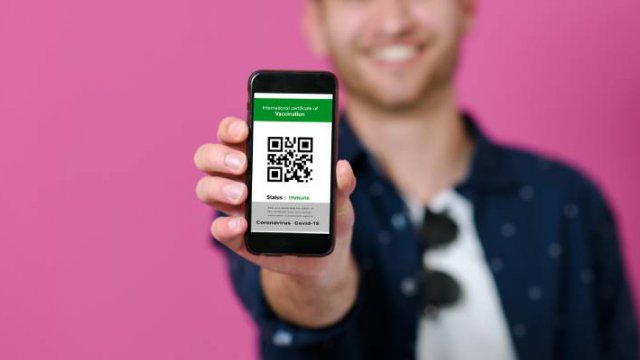
The green pass It is the document that allows those who have been vaccinated with the virus COVID-19 To be able to go back to gyms, restaurants, and in some cases even schools and offices. over there green certificate It certifies that those who have it have been vaccinated against Covid-19, or have been cured for less than 6 months and therefore remain immune.
From August 6, with the introduction of the commitment to have the green pass in Italy, everyone who has the pass must always carry it with them.
For those who do not want to keep printed paper in their wallet or pockets, the best solution is digital: Download and store it on your smartphone. In fact the phone is always with us, it’s hard to leave home without it and it allows you to get the certification everywhere. Here are some tips on how to do that You have a Green Pass on your phone Always ready to use.
How to Download Green Pass with IO and Immuni Apps
 The simplest and fastest way to access and show Green Pass from your smartphone is to use io . app NS impervious. with regard to io . appUsers must be equipped with SPID digital identity x de CIE electronic identity card To log in for the first time. Once in the application, the user who has been vaccinated or is in no way entitled to obtain the green certificate will not have to order it or enter the codes: he will find them directly in the section Messages > Inbox for him Green Covid-19 Certificate – EU Digital Covid . Certificate, which includes both the QR code to be scanned and all details related to the vaccination, such as the type of vaccine, number of doses and the date of the last administration.
One of the drawbacks of the IO app is that it only works if the smartphone is turned on Online. For this reason, by clicking on the button Memorizes, The user can choose the option save as image in gallery, So you can have it Always available on your phone Even if there is no connection, your Green Pass.
The IO app automatically loads the Green Pass associated with the user’s digital identity, while with the Immuni app, it will be necessary first of all to download the green certificate.
To do this, you have to do Open the Immuni app and press EU Digital Covid شهادة Certificate and then Restores EU Digital Covid certification. A screen will open in which the required data is entered which is the code indicating the type of vaccination, such as the author code for those who have been vaccinated, or NRFE if negative for a rapid test or NUCG for those who are less recovering. Six months of Covid-19, and health card data. Once entered, the Green Pass will be downloaded to the Immuni app and can be easily referenced from your smartphone.
How to save a Green Pass in the Wallet or Stocard app
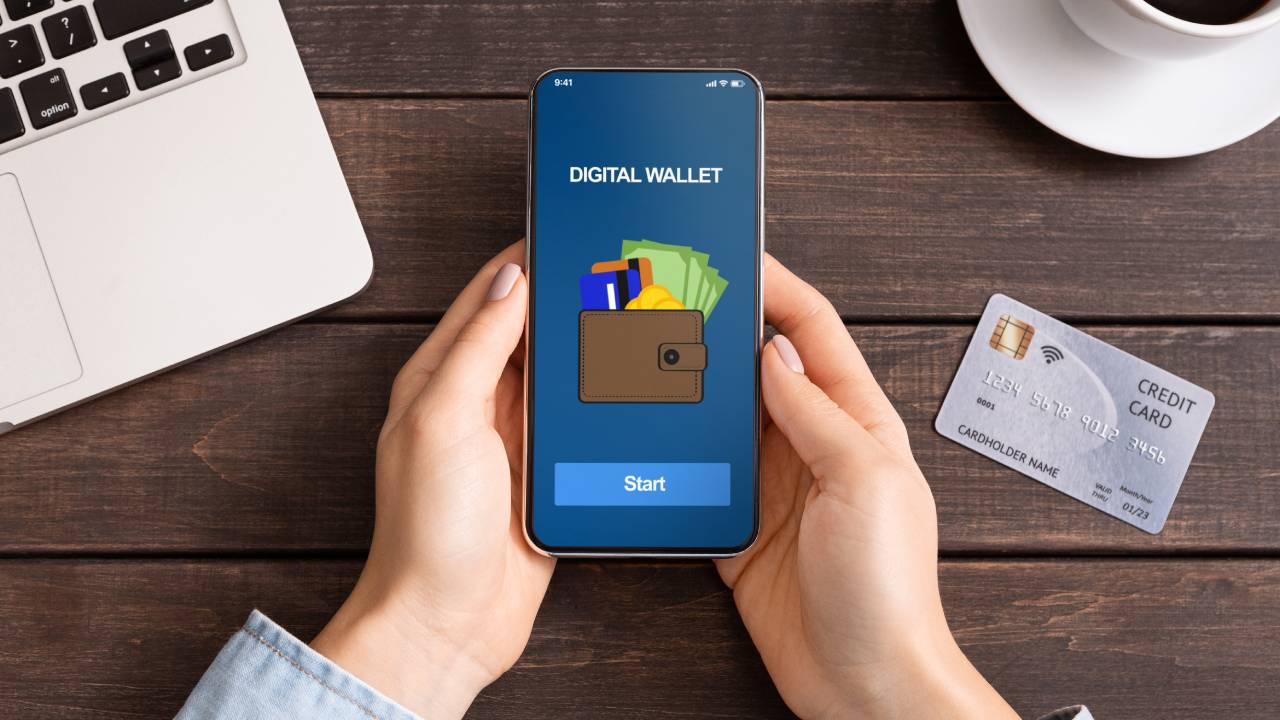 Another useful option is to add a green passcode QR code and use a file app walletThis is a kind of digital wallet where you can save sensitive information such as a user’s credit and debit cards, boarding passes, transportation or event tickets, and again, loyalty cards to your favorite store.
To be able to download Green Pass as if it was a QR code most of the time app wallet In use as if it was a ticket or loyalty card, however, there is a need to convert the vaccination certificate to Compatible Format with those supported by applications.
Simply open the CovidPass website, which allows you to create a ticket compatible with most Wallet apps, including Apple Wallet, starting from a QR code image or from a scanned and saved file.
For those who own Iphone, l’app Apple Wallet The best solution: you can save your Green Pass which will always be available with your cards from both iPhone and Apple Watch. For those who use one Android smartphoneGoogle Pay doesn’t yet allow you to keep your QR code, but the Stocard app is the best solution to use with both OS phones.
Stockard It is an application that allows you to keep all your loyalty cards in one space, simply by framing an image of a QR code or bar code or entering the card number manually. In the latest version of the app, you can also save your Green Pass with a simple action: After opening the app, tap Add card and in the bar Search Type “Green Pass”: from the results select the item “Green Covid-19 CertificateAnd on the screen that opens, it is enough to scan the QR code to see your certificate added to the wallet and take it anywhere on your phone.
How to save green lane in photos on your phone
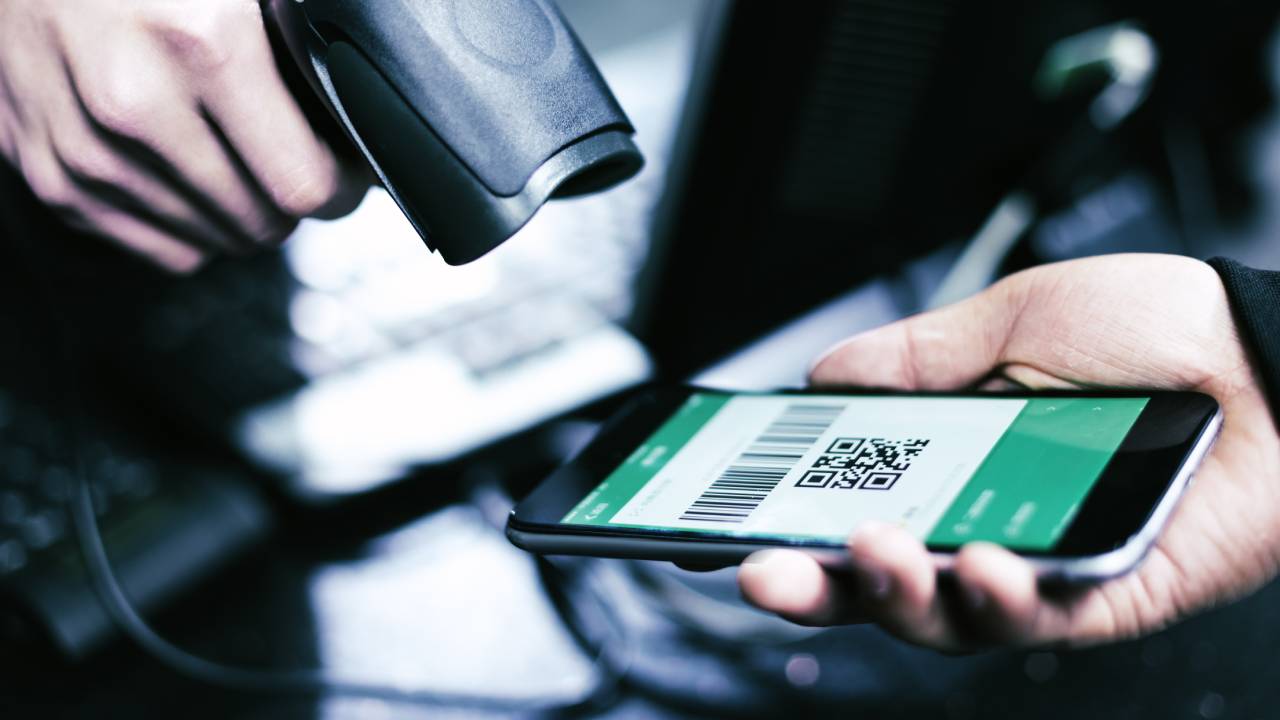 Finally, the simplest but always effective solution: save the QR Code image in a folder in the smartphone gallery that is easy to find. For those who have android phone, you must frame the Green Pass Qr code with the camera, for example from the computer screen on which it is viewed or from the version printed on paper, and take a picture. Once done, open the app Galleria To view the image, press else and then add to: You can add the image with QR Code in a special folder that is easy to find in the phone gallery.
For those who use a IphoneAfter the QR code is photographed, it is necessary to open photo app, select tab album and press + sign in the top left to create a file a new album To contact Green Pass Covid-19 then tap Memorizes. Once the folder is opened, all that remains is to add the image to the album to easily consult it anywhere, without the need for an internet connection.

Emily Dickinson is a contributor at TechNewsInc, covering news, politics, business, technology, sports, entertainment, and lifestyle. She is dedicated to delivering clear, informative reporting on current affairs and emerging developments, providing readers with relevant stories and useful insights in a straightforward and accessible manner.